
Yaar Win Password Reset
Forgot your Yaar Win password? This step-by-step guide explains how to reset it quickly and regain access to your account.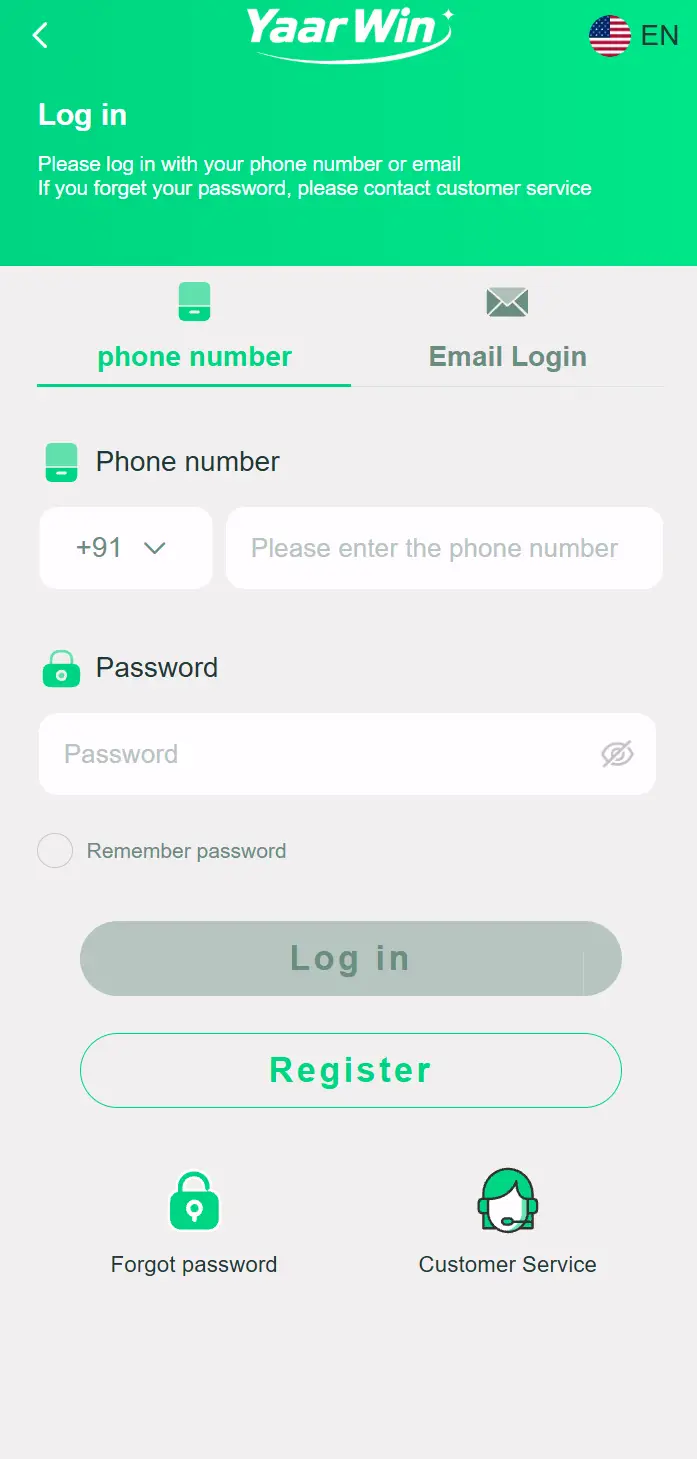
Yaar Win login screen
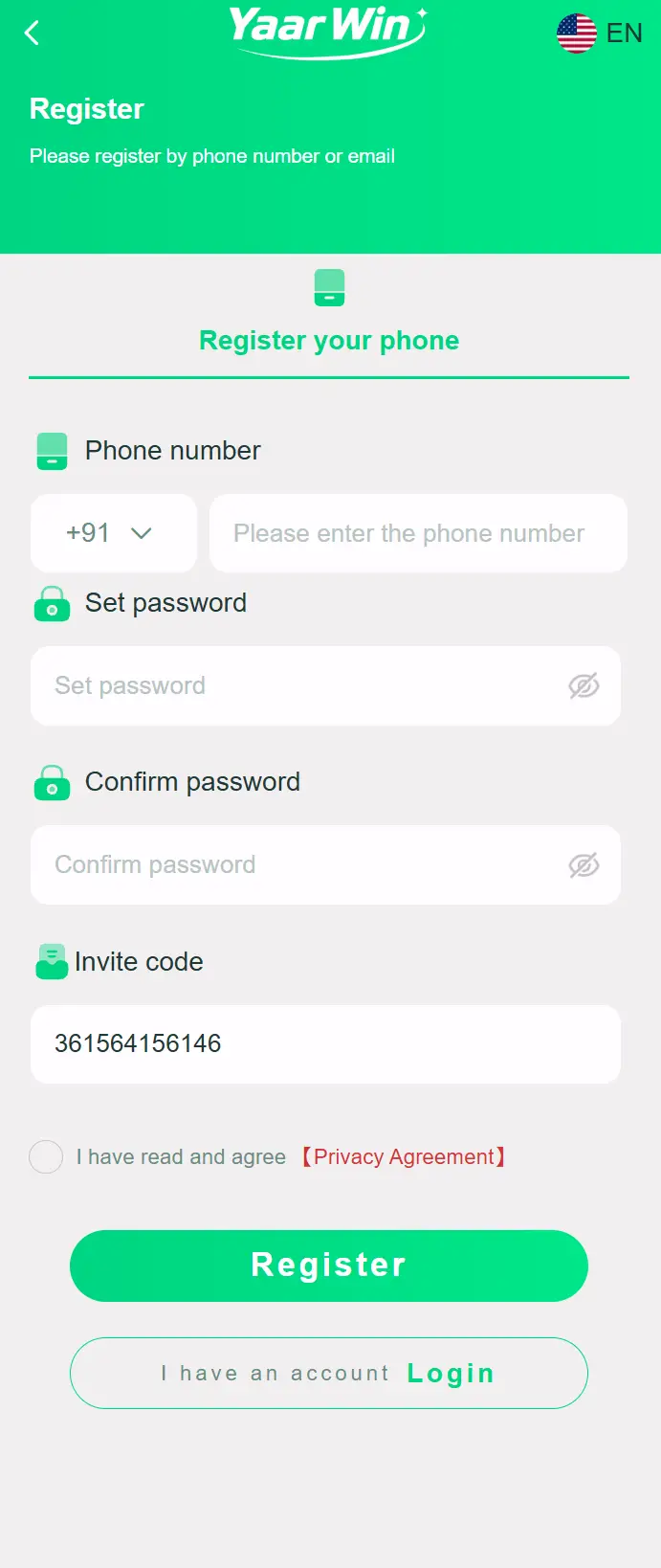
Yaar Win registration screen
How to Reset Your Yaar Win Password
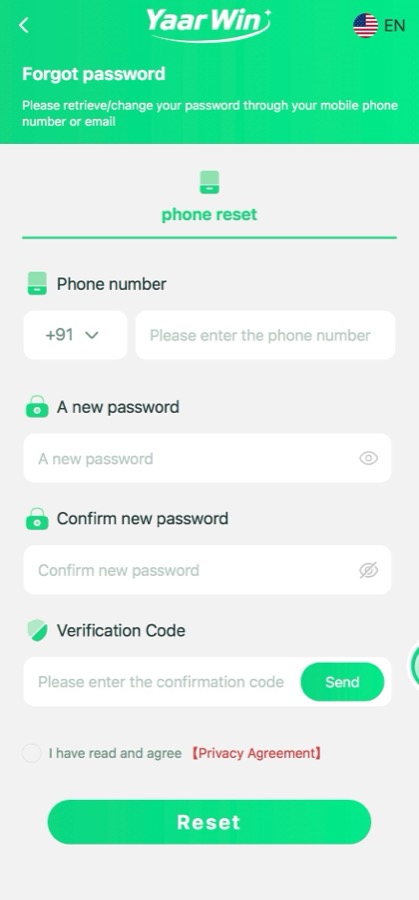
Forgot Password – Phone Reset
Login After Reset
- Open the Yaar Win app or visit the official website
- Tap “Forgot Password?” on the login screen
- Enter your registered mobile number
- You will receive an OTP on your mobile number
- Enter the OTP in the verification field
- Set a new strong password (at least 8 characters, mix of letters and numbers)
- Confirm the new password and submit
- Log in with your new password
Tips for a Strong Password
- Use at least 8 characters
- Mix uppercase letters, lowercase letters, and numbers
- Avoid using your name, phone number, or date of birth
- Never share your password with anyone — Yaar Win support will never ask for it
Still Cannot Access Your Account?
If you cannot reset your password through the app, contact the official Yaar Win customer support team directly through the platform with your registered mobile number for manual assistance.What to Do If You Have Changed Your Phone Number
If you no longer have access to the mobile number registered on your Yaar Win account, you will need to contact Yaar Win customer support directly. Password reset via OTP will not work if your SIM card has changed. When contacting support, have the following details ready:- Your old registered mobile number
- Your full name as entered during registration
- Date of account creation (approximate)
- Last known deposit or withdrawal amount
Common Password Reset Errors and Fixes
- "OTP not received" — Check signal strength, disable Do Not Disturb, and wait 60 seconds before retrying. See our OTP not received guide for detailed steps.
- "Invalid OTP" — OTPs expire after 5 minutes. Request a new OTP and enter it immediately without delay.
- "Password does not meet requirements" — Use at least 8 characters with a mix of letters and numbers. Avoid spaces or special symbols that some fields may not accept.
- "Account not found" — You may have registered with a different mobile number. Try other numbers you use regularly.
- Page keeps loading — Clear your browser cache or switch to the official Yaar Win app for a more stable experience.
Frequently Asked Questions
How long does the Yaar Win password reset OTP take to arrive?
The OTP is usually delivered within 30 to 60 seconds. During peak times or network congestion, it may take up to 2 minutes. If it does not arrive within 2 minutes, use the "Resend OTP" option.
Can I reset my Yaar Win password without an OTP?
No — OTP verification is required for security reasons. If you are not receiving OTPs, follow the steps in our OTP guide or contact customer support for manual assistance.
How often can I change my Yaar Win password?
There is no strict limit on how often you can change your password. However, for security, avoid changing your password too frequently from unrecognised devices. Always use a trusted device and a private network.
New to Yaar Win?
Register using invite code 74258214149 and get a welcome bonus of up to ₹100. Register NowYaar Win Password Reset – FAQ
How long does Yaar Win password reset take?
The Yaar Win password reset process takes under 2 minutes. You'll receive an OTP within 30 seconds, enter a new password, and regain instant access to your account.
What if I don't get the password reset OTP?
If your Yaar Win password reset OTP doesn't arrive, check your network connection, ensure your number is correct, and try resending. If the problem persists, contact Yaar Win customer care via WhatsApp for assistance.
Can I reset my Yaar Win password without my phone number?
No, the Yaar Win password reset requires your registered mobile number for OTP verification. If you've lost access to your number, contact Yaar Win support directly to verify your identity through alternative means.